The Basic Distinction: Is It Your Network or Your Device?
Before you start digging into router settings, figure out if the problem’s on your side of things or everyone’s side. That one question saves you hours.
Test this: when your connection drops, grab your phone or another device and see if it still works. If your laptop loses internet but your phone stays connected, the issue’s with that specific device. If EVERYTHING goes down — your laptop, phone, tablets — then it’s your network itself.
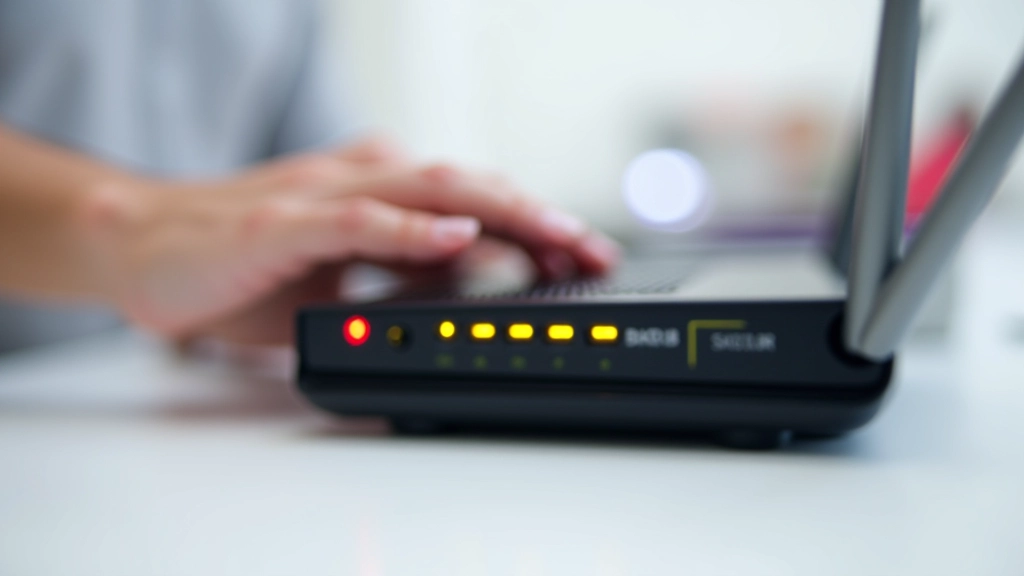
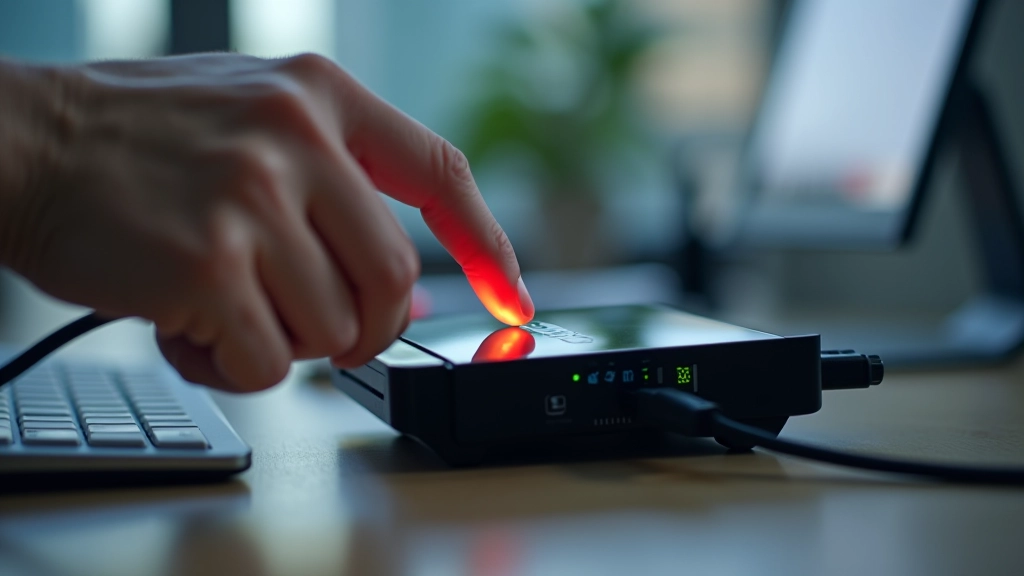
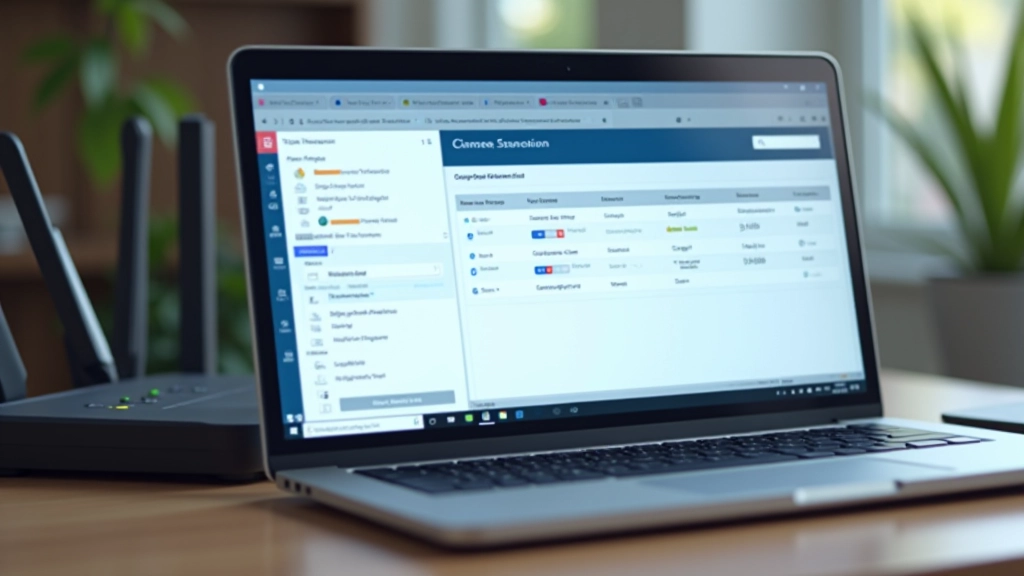
Quick check: Open your router’s admin panel. Most routers have a status light that shows green when everything’s working. If that light’s amber or red when you lose connection, the problem’s definitely in the router or your ISP connection.
This simple test narrows things down immediately. It’s the difference between troubleshooting your computer versus troubleshooting your whole network setup.